Laptop deals with 1TB SSD storage for buyers who want more local space. Prices and eligibility can change quickly, so use these as checked notes and recheck the retailer before buying.
Current 1TB SSD deals
Some links are affiliate links. We may earn commission at no extra cost to you. About our links
For everyday ARM-compatible work with more storage
Retailer page price before checkout reduction: £719.98
Advertised Costco member checkout price £479.98; retailer headline £719.98, with a £240 difference. Confirm the reduction and £479.98 total in your basket. Shipping included subject to postcode restrictions; membership costs extra if needed.
Price and availability may change. Confirm the seller, selected model and final price before buying.
At the advertised £479.98 checkout price, 16GB RAM and a 1TB SSD provide more file space than a 512GB configuration. A useful member option if your apps work on Windows on ARM.
Know before buying Costco membership required; advertised £479.98 at checkout against the £719.98 headline. Confirm the reduction before paying. Windows on ARM needs app/driver checks; basic-colour screen and non-backlit UK keyboard. Confirm the charger.
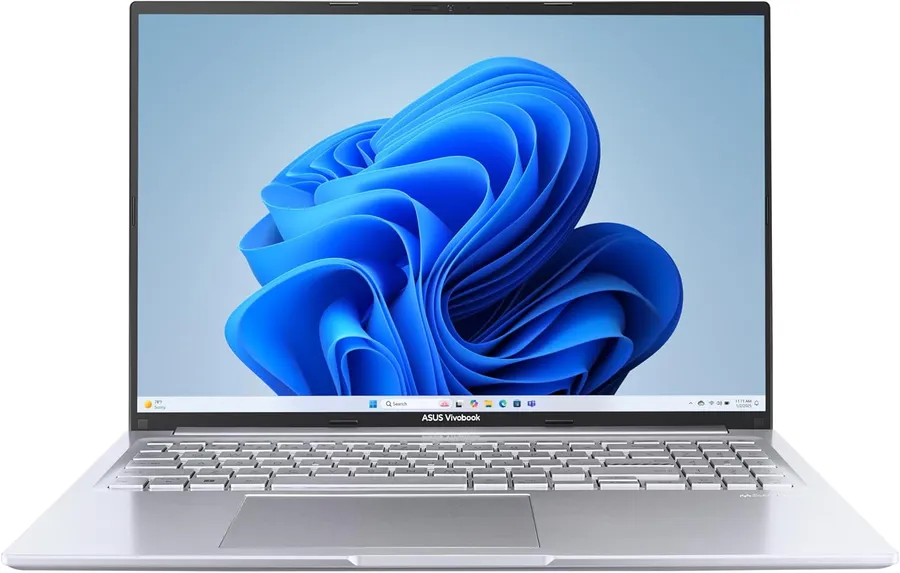
A £748.27 route to a Core i9-13900H, 16GB memory and 1TB SSD with a taller 16-inch screen. Choose it for CPU-focused Windows work and storage rather than paying for gaming graphics; cheaper laptops are sufficient for basic browsing.
Know before buying Not a gaming-GPU recommendation: ASUS specifies Intel graphics for X1605VA; ignore the retailer’s generic dedicated-graphics label. Charger and UK backlit keyboard are listed. RAM upgradeability, exact panel technology and sustained performance are unconfirmed.
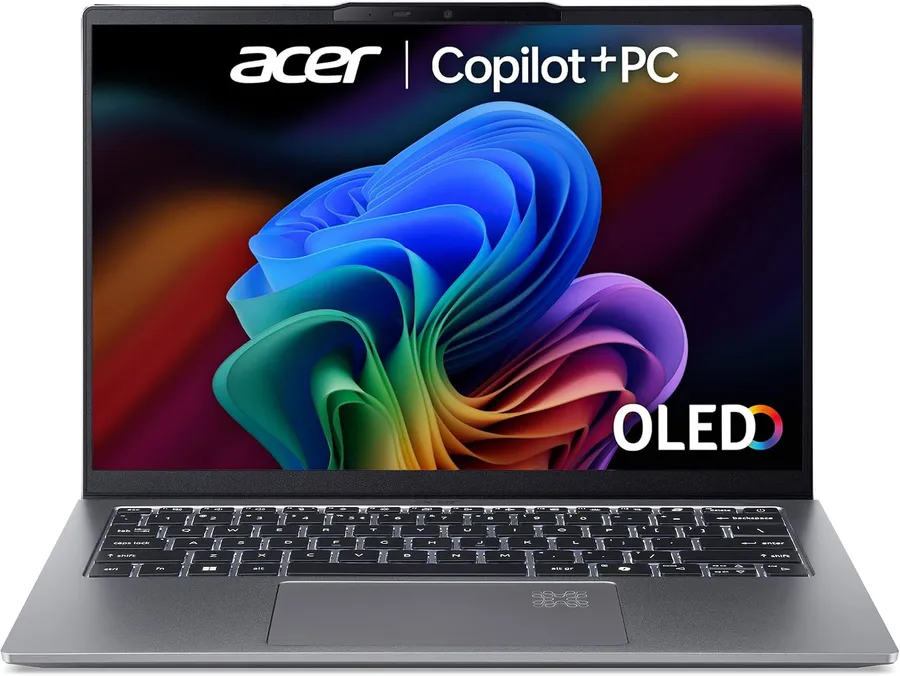
At £872.91, this 1.29kg Windows laptop combines a compact OLED display, 16GB memory and a 1TB SSD. A more portable OLED alternative to the larger 16-inch Vivobook, with more storage and a listed charger.
Know before buying Confirm physical UK keyboard layout; the box lists an AC adapter and UK plug. RAM upgradeability and measured battery life are unconfirmed. Integrated graphics are not a substitute for a gaming GPU.
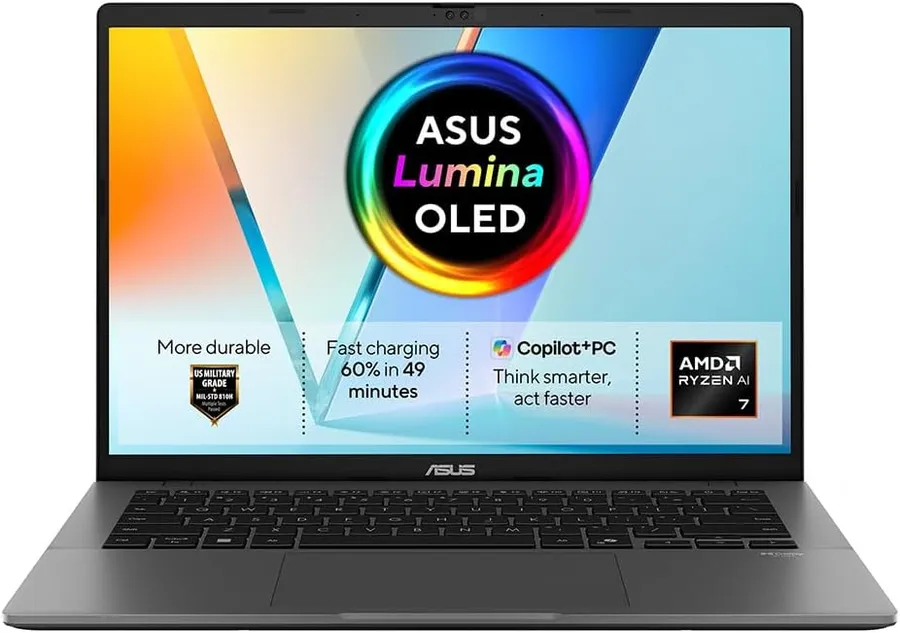
At £899.99, this compact OLED Windows laptop offers 32GB RAM and a 1TB SSD for heavier multitasking. The 16GB/512GB 16-inch OLED alternative is £729.97; choose this for extra memory, storage and portability, not the lowest OLED price.
Know before buying The title specifies 1920×1200 but the generic display table says 1920×1080; confirm exact resolution if it matters. Charger and UK backlit keyboard are listed. RAM upgradeability and sustained performance are unconfirmed. Amazon flags this listing as frequently returned; review exact-model buyer reports and return terms. We have no measured failure rate.
Price and availability may change. Confirm the seller, selected model and final price before buying.
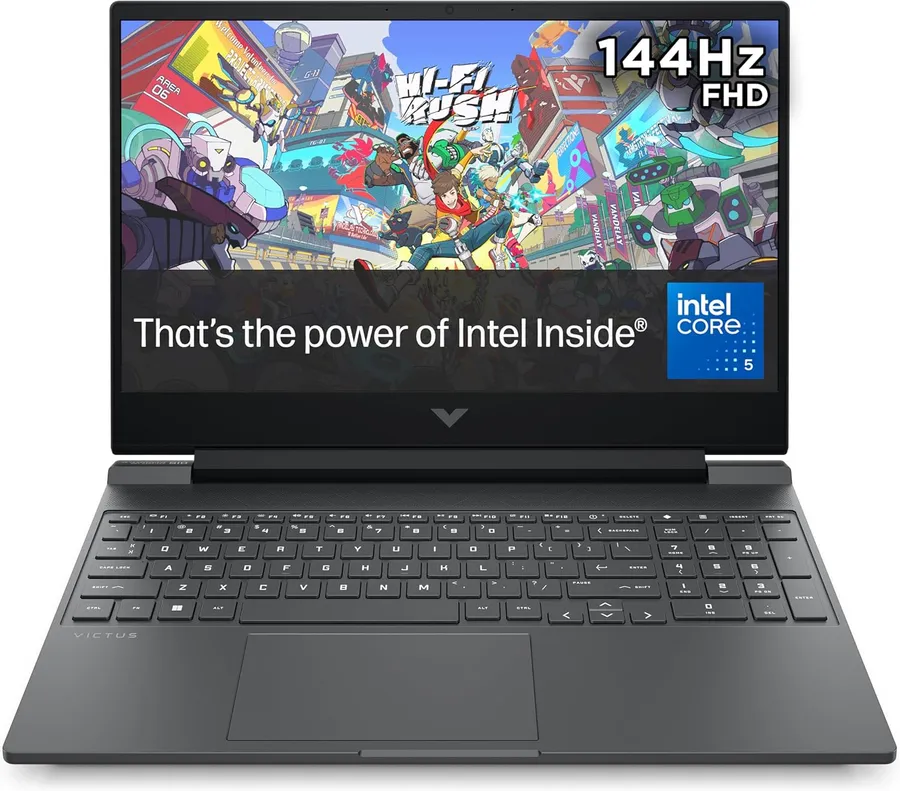
Core 5 210H / RTX 5060 · 16GB RAM · 1TB SSD · 15.6-inch Full HD IPS 144Hz
At £1,029.99, RTX 5060 graphics, 16GB RAM and a 1TB SSD suit mainstream gaming with room for a game library. Compare GPU power limits and screen quality rather than judging value from the RTX tier alone; neither gaming speed nor battery endurance has been measured here.
Know before buying GPU wattage is unconfirmed, so do not assume full-power RTX 5060 performance. Confirm charger contents and physical UK keyboard layout. About 2.29kg; basic-colour screen is not a colour-critical editing choice.
The £999 advertised Zenbook combines 32GB memory, 1TB storage and a 14-inch OLED touchscreen. It is a compact step up for heavier office multitasking, not a dedicated gaming recommendation.
Know before buying Advertised £999 public price; no member discount deducted. Retailer stock and delivery are unconfirmed. Confirm charger inclusion, physical UK keyboard and warranty. Exact processor suffix, screen resolution and refresh rate are not established for this retailer configuration.
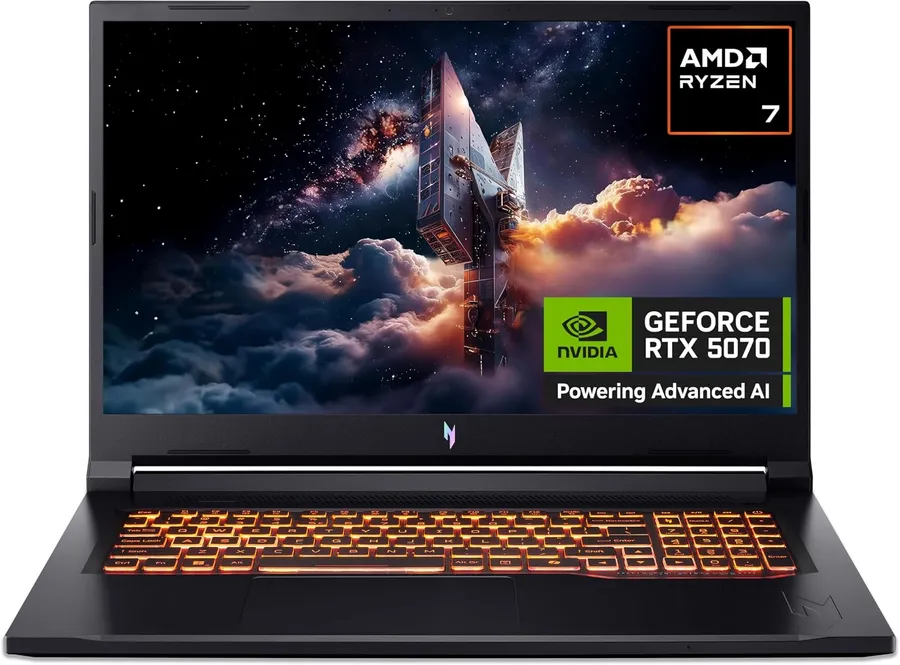
A £1,349.99 Amazon-sold option for buyers wanting a 17.3-inch screen and RTX 5070 graphics, with 16GB RAM and a 1TB SSD. The Full HD panel prioritises screen size over higher resolution; smaller RTX 5060 options cost less.
Know before buying GPU TGP (wattage), exact panel gamut and physical UK keyboard layout are unconfirmed. AC adapter and UK plug are listed, with a one-year manufacturer warranty. The large Full HD screen favours size over pixel density; no measured gaming performance or promotional extras are assumed.
The lower-cost M6 MacBook Pro option at £1,829.97, with 16GB unified memory and a 1TB SSD. Choose it for macOS work and the Liquid Retina XDR display; the £2,013.97 24GB version offers more memory headroom, not extra storage.
Know before buying Power adapter (charger) sold separately; USB-C to MagSafe 3 cable included. Sold and dispatched by Amazon at observation. Physical UK keyboard layout and exact warranty term are unconfirmed. Confirm required app compatibility and delivery for your postcode.
The 24GB configuration gives more unified-memory headroom than the 16GB M6 model for heavier macOS multitasking, while retaining a 1TB SSD and Liquid Retina XDR screen. Compare the checked prices of the 24GB and 32GB variants before choosing.
Know before buying Power adapter (charger) sold separately; USB-C to MagSafe 3 cable included. Sold and dispatched by Amazon at observation. Physical UK keyboard layout and exact warranty term are unconfirmed. Confirm required app compatibility and delivery for your postcode.
A 32GB unified-memory alternative to the 16GB and 24GB M6 MacBook Pro configurations, with a 1TB SSD and 14.2-inch Liquid Retina XDR display. At £2,196.97 it suits heavier macOS multitasking where memory headroom matters more than stepping up to an M5 Pro chip. This is not a 64GB-plus Local AI recommendation.
Know before buying Power adapter (charger) sold separately; USB-C to MagSafe 3 cable listed. Sold and dispatched by Amazon at observation. Listing title and selected colour details disagree, so confirm the colour before ordering. Physical UK keyboard layout and exact warranty term are unconfirmed.
Price and availability may change. Confirm the seller, selected model and final price before buying.
Apple M5 Pro · 24GB unified memory · 2TB SSD · 14.2-inch Liquid Retina XDR
A £2,349 public-price route to an M5 Pro MacBook with 24GB unified memory and a 2TB SSD. This is the Liquid Retina XDR configuration, not the PROLED touchscreen listing; choose it for local storage and macOS work rather than touch input.
Know before buying Sold and dispatched by Amazon. Only a MagSafe cable is listed in the box: budget separately for a power adapter. Physical UK keyboard layout and exact warranty term are unconfirmed. A checkout saving is advertised but its eligibility is unclear, so it is not deducted; confirm the final total.
Price and availability may change. Confirm the seller, selected model and final price before buying.
Apple M5 Pro 18-core CPU / 20-core GPU · 24GB unified memory · 2TB SSD · 14.2-inch Liquid Retina XDR
A higher M5 Pro configuration with an 18-core CPU, 20-core GPU, 24GB unified memory and a 2TB SSD. At the verified public £2,549 Amazon price it costs more than the current 15-core/16-core 24GB/2TB listing; choose it for the stronger Pro chip rather than the lowest storage-heavy price.
Know before buying Sold and dispatched by Amazon. A checkout saving is advertised on the listing path, but eligibility is unclear, so it is not deducted from the public £2,549 price. Power adapter (charger) inclusion is unconfirmed; MagSafe cable terms need checking. Physical UK keyboard layout and exact warranty term are unconfirmed. Limited stock at observation.
Price and availability may change. Confirm the seller, selected model and final price before buying.
Apple M5 Pro · 24GB unified memory · 1TB SSD · 16.2-inch Liquid Retina XDR
A larger-screen macOS work option with 24GB unified memory and a 1TB SSD. The £2,649.97 price buys the M5 Pro and 16.2-inch Liquid Retina XDR display; choose the smaller M6 offers if portability and a lower outlay matter more.
Know before buying Power adapter (charger) sold separately; USB-C to MagSafe 3 cable included. Sold and dispatched by Amazon at observation. Physical UK keyboard layout and exact warranty term are unconfirmed. Confirm app compatibility, final price and delivery for your postcode.
Price and availability may change. Confirm the seller, selected model and final price before buying.
Apple M5 Pro · 24GB unified memory · 1TB SSD · 14.2-inch PROLED XDR touch
A compact M5 Pro option with 24GB unified memory, a 1TB SSD and the advertised 14.2-inch PROLED XDR touchscreen. At £2,654.97, choose it for the smaller Pro-chip configuration and touch display, not the lowest price: the current 16-inch M5 Pro is £5 less.
Know before buying Orderable with delivery 13–14 November shown for the observed SO21 location; check your postcode and delivery date. Power adapter (charger) sold separately; USB-C to MagSafe 3 cable included. Sold and dispatched by Amazon. Physical UK keyboard layout and exact warranty term are unconfirmed.
A 1TB SSD is useful for large applications, games and local project files. Check that the advertised capacity is an SSD in the exact laptop rather than an external drive, a hard disk or a cloud-storage allowance. Some usable space is taken by the operating system and recovery files.
Look at upgrade options as well as the starting capacity. A spare compatible slot can make expansion easier; a single occupied slot may require replacing the drive and moving your files. Confirm the manufacturer’s supported drive format before budgeting for an upgrade.
Storage capacity does not establish overall value. Compare memory, processor, graphics and the panel before choosing a larger drive over a better-balanced configuration. Keep a separate backup for important files: a larger internal SSD is not a backup.